

With your patient portal account, you can:
View your medical records, lab results, test results, and visit notes
Print your medical records, including visit notes and test results
Send and receive secure messages with your provider
Request prescription refills
Update your personal information, including address and insurance
Connect with other medical providers, offices or hospitals who also use FollowMyHealth®
Link your FollowMyHealth® account to the Apple Health app to see your health records in one place.
Need to sign up an account? Click here to get started with FollowMyHealth®.
You can also call our office at 251-607-9797 and we will send you an email invitation to set up your account.
Cardiology Associates Patient Portal with FollowmyHealth®
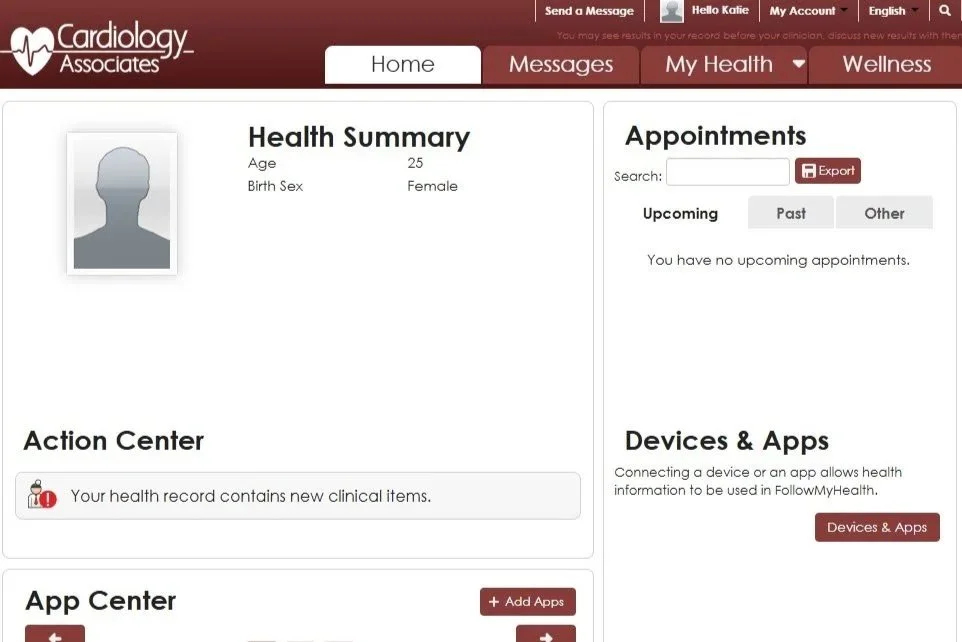
Your health information is available anytime—24 hours a day, 7 days a week. You can check it from a computer, smartphone, or tablet using the FollowMyHealth® patient portal. A patient portal is a safe, secure website where you can see your personal health information and stay in touch with your care team. FollowMyHealth® is the patient portal used by Cardiology Associates.
Already have an account? Click here to sign in.

Patient Portal Informational Videos
| Benefits of portal account |
| Setting up a portal account |
Patient Portal Benefits & Features

| Setting up a portal account |

Once you have a patient portal account, you can:
See your medical records and test results
Ask for prescription refills
Send and receive secure messages with your Cardiology Associates care team
Connect with other doctor offices that also use FollowMyHealth®
Print or email your medical records from your portal account, click here to learn how.
About test results and images:
You can read the written results for tests such as an echocardiogram, CTA, PCTA, or cardiac PET scan in your portal. However, the actual scan images and videos cannot be viewed online.
To get your scan images:
First, fill out a medical records release form (Click here).
Images can be sent to your referring doctor at no cost, or
Images can be given to you on a USB drive for a $20 fee
Need help with your patient portal or medical records?
For Frequently Asked Questions click here, or call or contact our office—we’re happy to help.